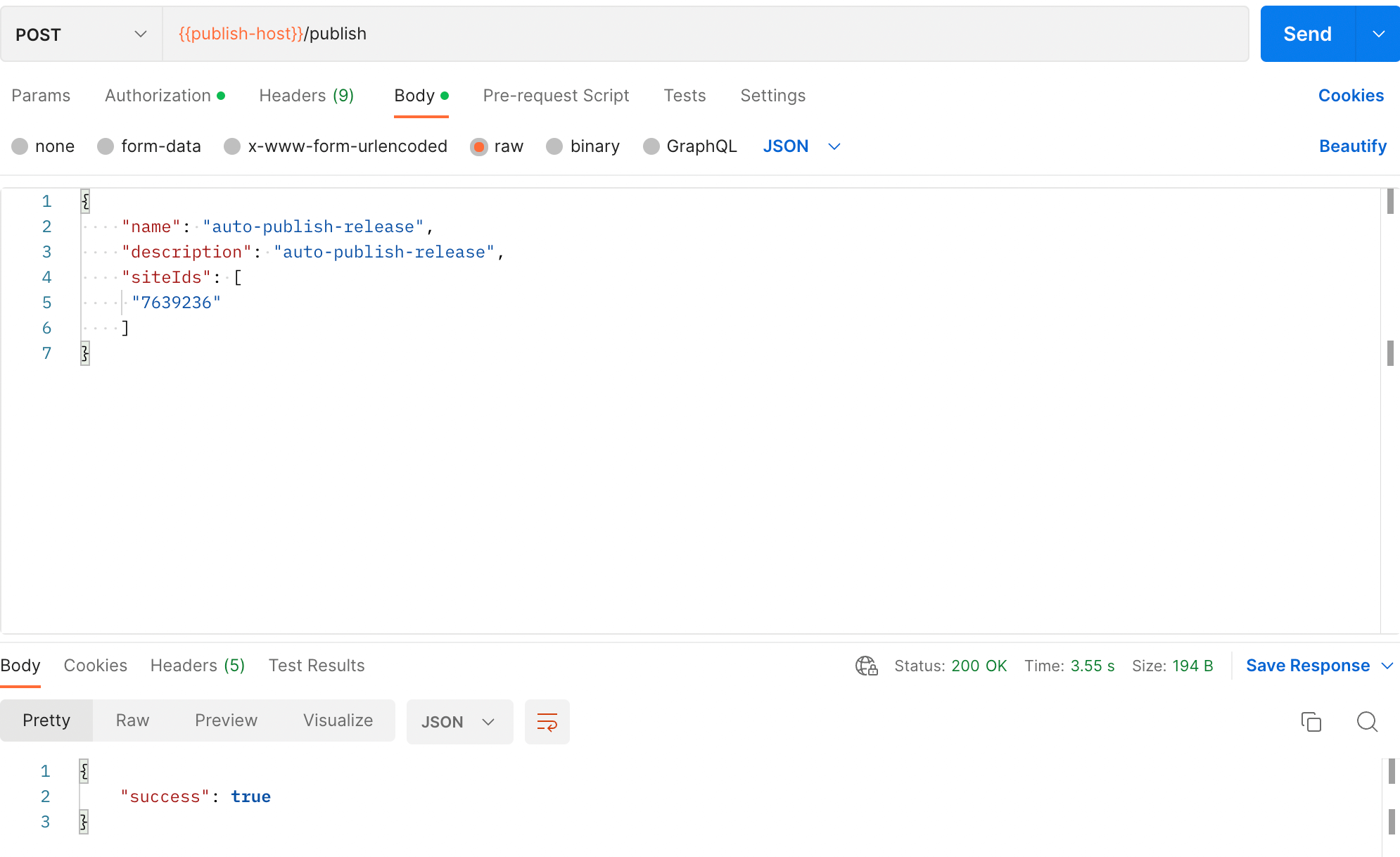
Publish Hotfix (Auto-publish)
step 1: Download and install Postman
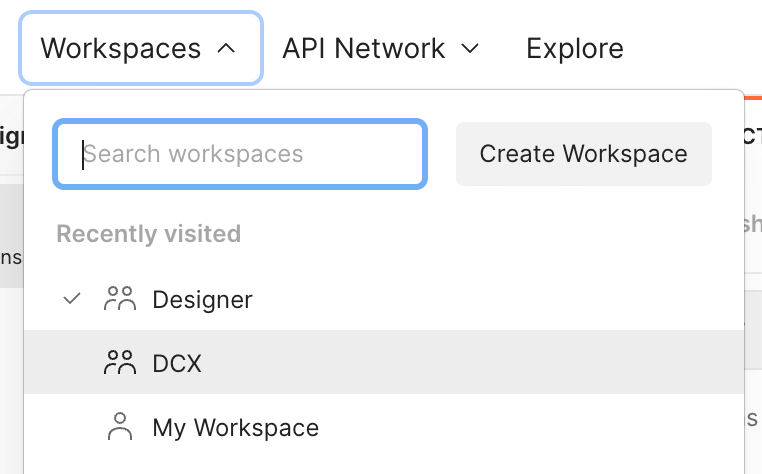
step 2: Request access to the Designer workspace on Postman. Once accepted, switch to the designer workspace.
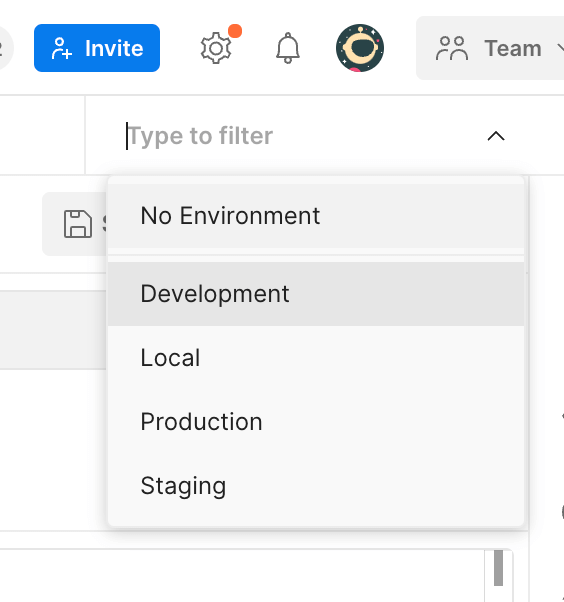
step 3: Select the environment you wish to auto-publish to.
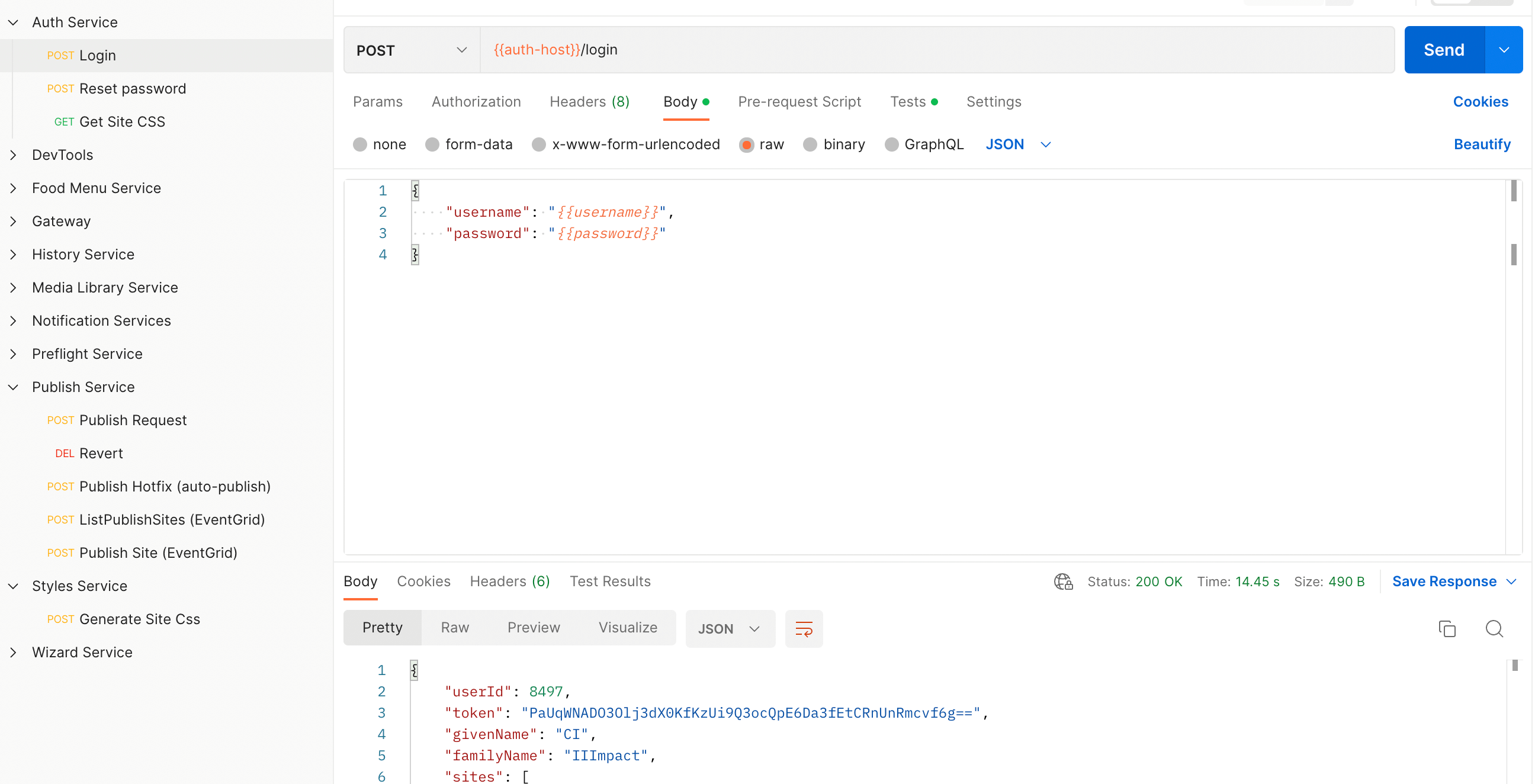
step 4: Login to generate a token. You need an authorization token in order to send a publish-hotfix request. The authorization token will be automatically copied into the “integration-token” environment variable.
step 5: Go to Publish Hotfix (auto-publish) in the Publish Service and send a post request.
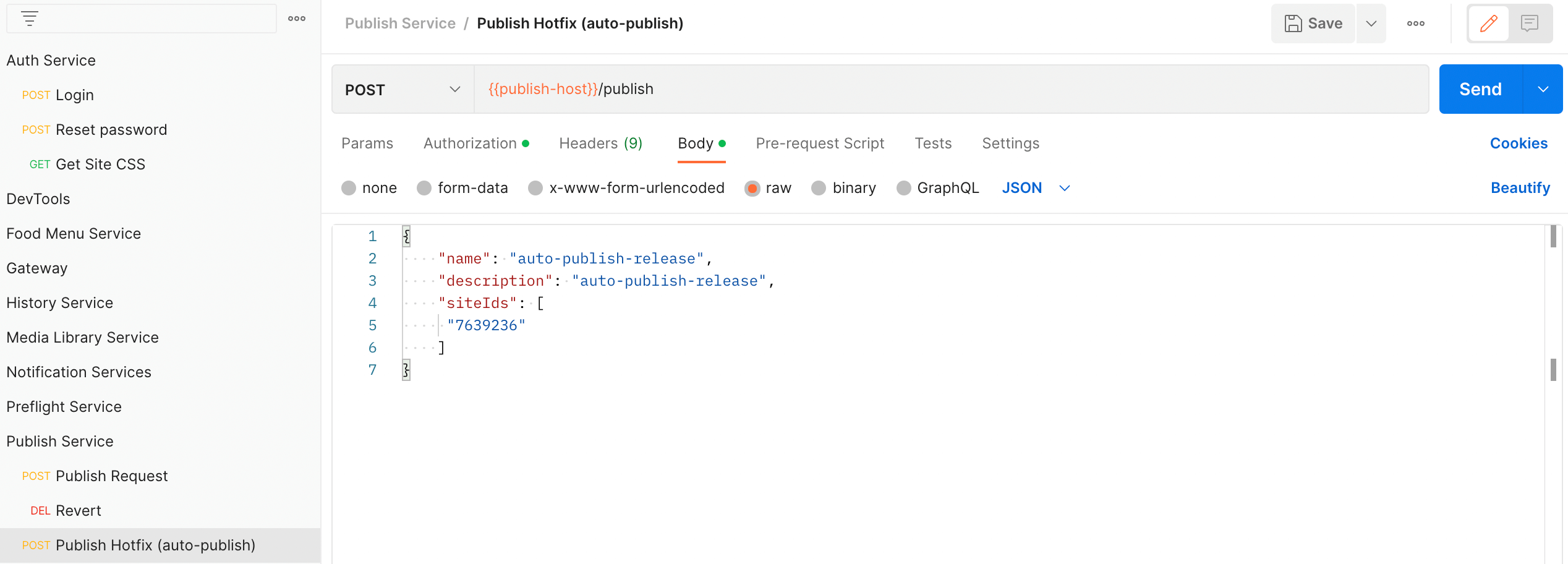
If successful,the response body will return success: true. Also, check the logs on azure to be sure the auto-publish worked.